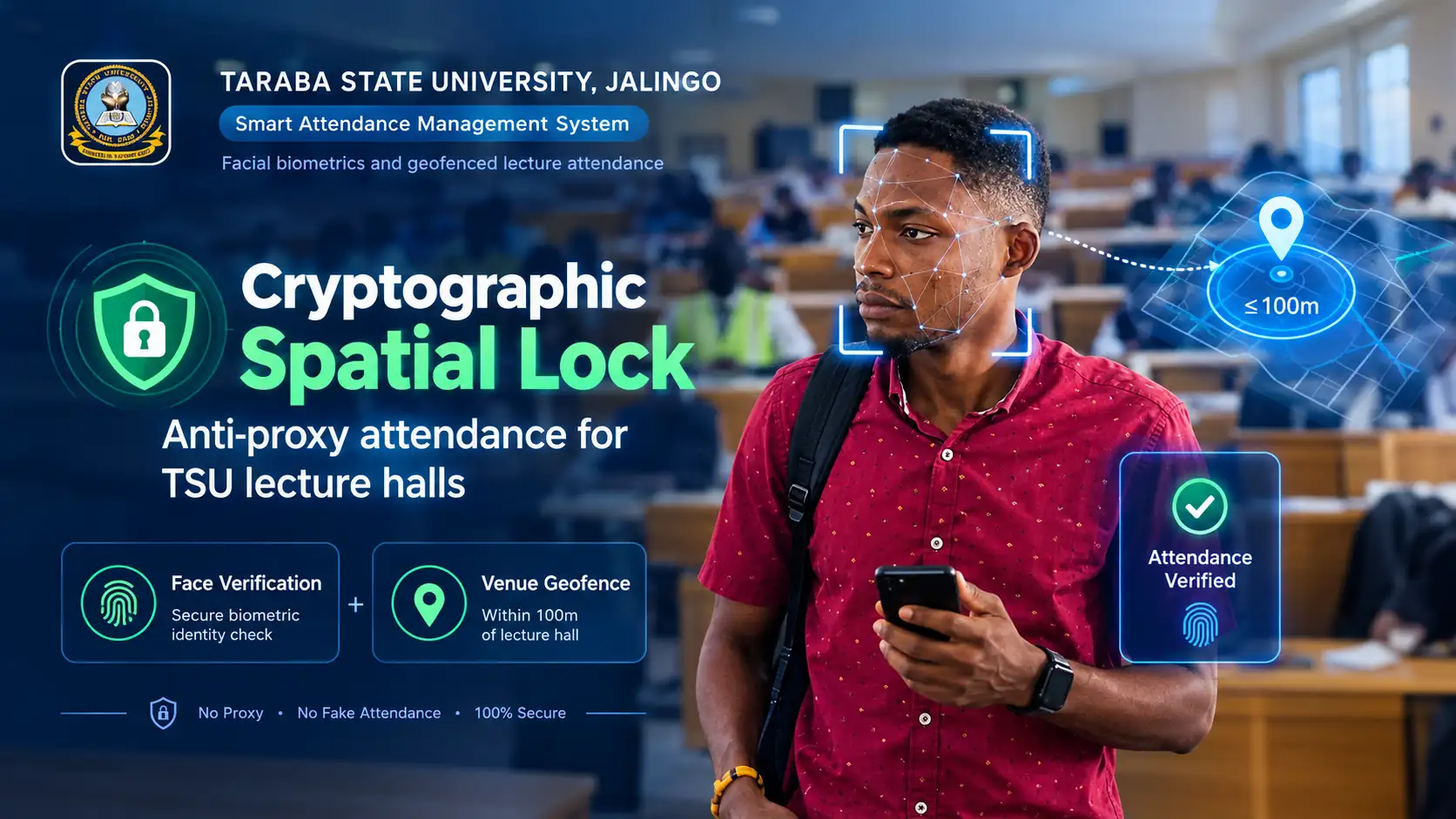
Facial biometric attendance
Students mark attendance with a face scan. The system matches biometrics against the enrolled record in under two seconds.
Facial biometrics and geofenced lecture attendance for every Taraba State University student. TSU SAMS replaces paper registers with secure, real-time verification — from lecture hall to exam hall.
One platform for students, lecturers, and administrators — from lecture attendance to exam biometric capture.
Students mark attendance with a face scan. The system matches biometrics against the enrolled record in under two seconds.
Attendance only counts when a student is physically inside the lecture venue. Location is validated against the course geofence.
Lecturers and admins see attendance live. Daily, weekly, and course-level summaries with no manual collation.
Weak network in the hall? The app shows a clear offline state and retries automatically the moment you're back online.
Students, lecturers, admins, and helpdesk each get tailored views. Every action is tied to the correct account and permissions.
HTTPS end-to-end, scoped camera access, and controlled biometric storage on TSU infrastructure. No third-party tracking.
Three steps. Under two minutes. No technical knowledge needed.
Get the official TSU SAMS app. Register with your student details and capture a clear biometric enrollment once.
Inside the venue, open the app and face the camera. Geofence confirms you're in range and attendance is recorded instantly.
Lecturers see live attendance. Students review their own record. Exam capture uses the same verified biometric at exam entry.
TSU SAMS is the main attendance system. Exam Capture is the biometric exam companion — both share the same student verification.

Student Attendance Management System — facial biometrics and geofenced lecture attendance for every course.
Biometric exam verification — enroll your face once and clear invigilation instantly at every exam.
Attendance integrity depends on identity certainty. TSU SAMS is operated by the ICT Directorate on university-controlled infrastructure, with access limited to authorized lecturers, invigilators, and administrators.
Operated by the Taraba State University ICT Directorate for the 2024/2025 academic session.
Free download. Official TSU build. Install once and you're set for the entire semester.
Everything students ask about TSU SAMS.
Yes. TSU SAMS is free to download and use for all Taraba State University students. No hidden fees, ever.
Yes. Attendance is geofenced — you must be physically inside the lecture venue when you scan. This prevents proxy attendance and keeps records accurate.
SAMS handles lecture attendance with facial biometrics and geofencing. Exam Capture is the exam biometric companion — enroll your face once and verify instantly at exam entry. Both share your student verification.
The app detects the offline state instantly and shows a clear message. When connectivity returns it retries automatically. Your enrolled biometric remains valid.
The native app is Android-only for now. iPhone users can access the SAMS web portal at sams.tsuniversity.edu.ng using Safari.
Visit the ICT Directorate at sams.tsuniversity.edu.ng or use the Helpdesk from the portal. TSU SAMS is Secured by Taraba State University ICT Directorate.
Enroll once. Attend, verify, and track your attendance in real time.
Download TSU SAMS